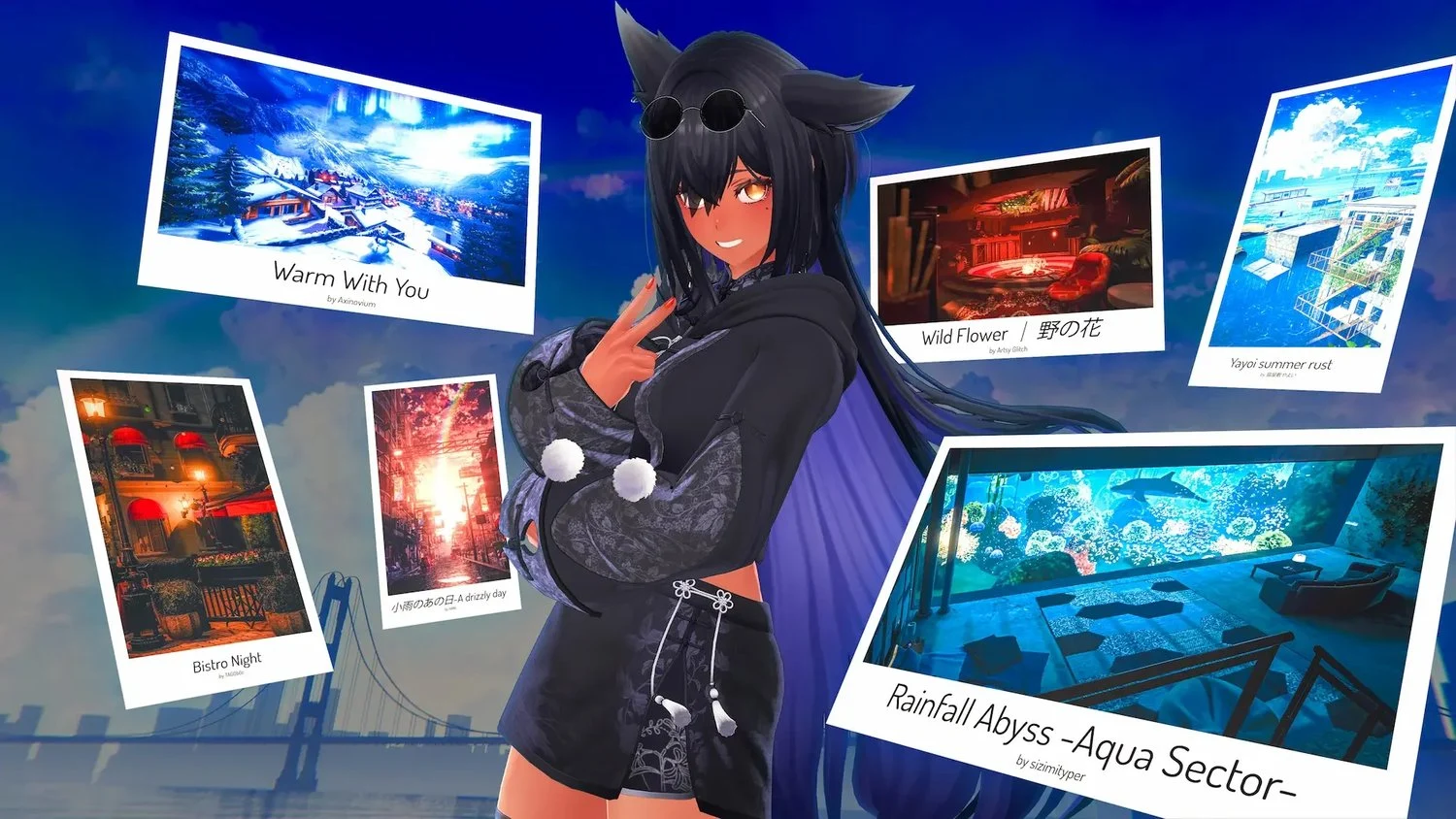
EXPLORE
Somewhere you’ve
never been.
From quiet hideaways to impossible landscapes, discover worlds built by the people who spend time in them.
 Play for free
FREE TO PLAY. FREE TO BE YOU.
Find your people in worlds made by the community. Hang out, play, and be whoever you feel like being.
No VR headset? No problem. Play on your PC.
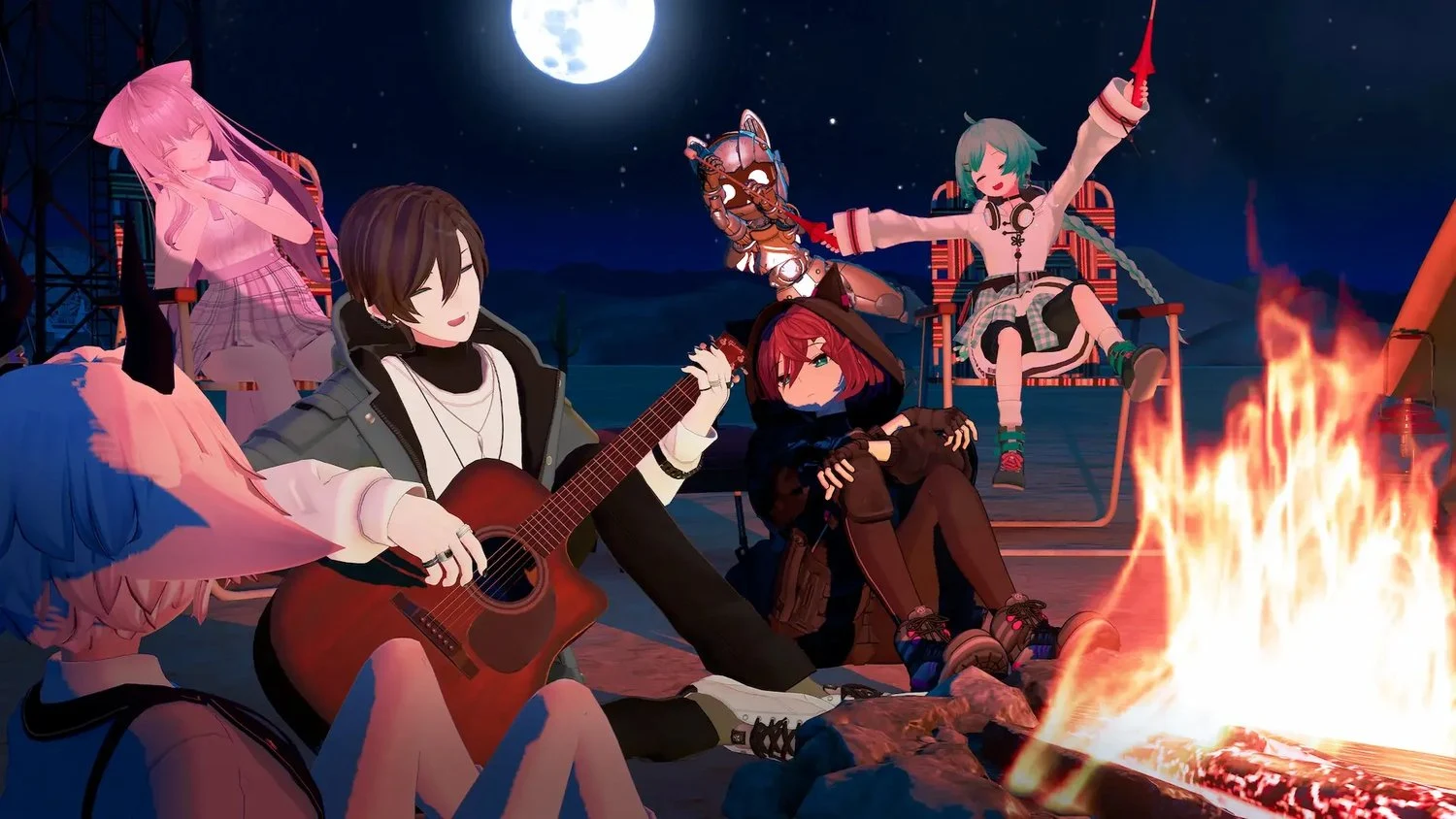
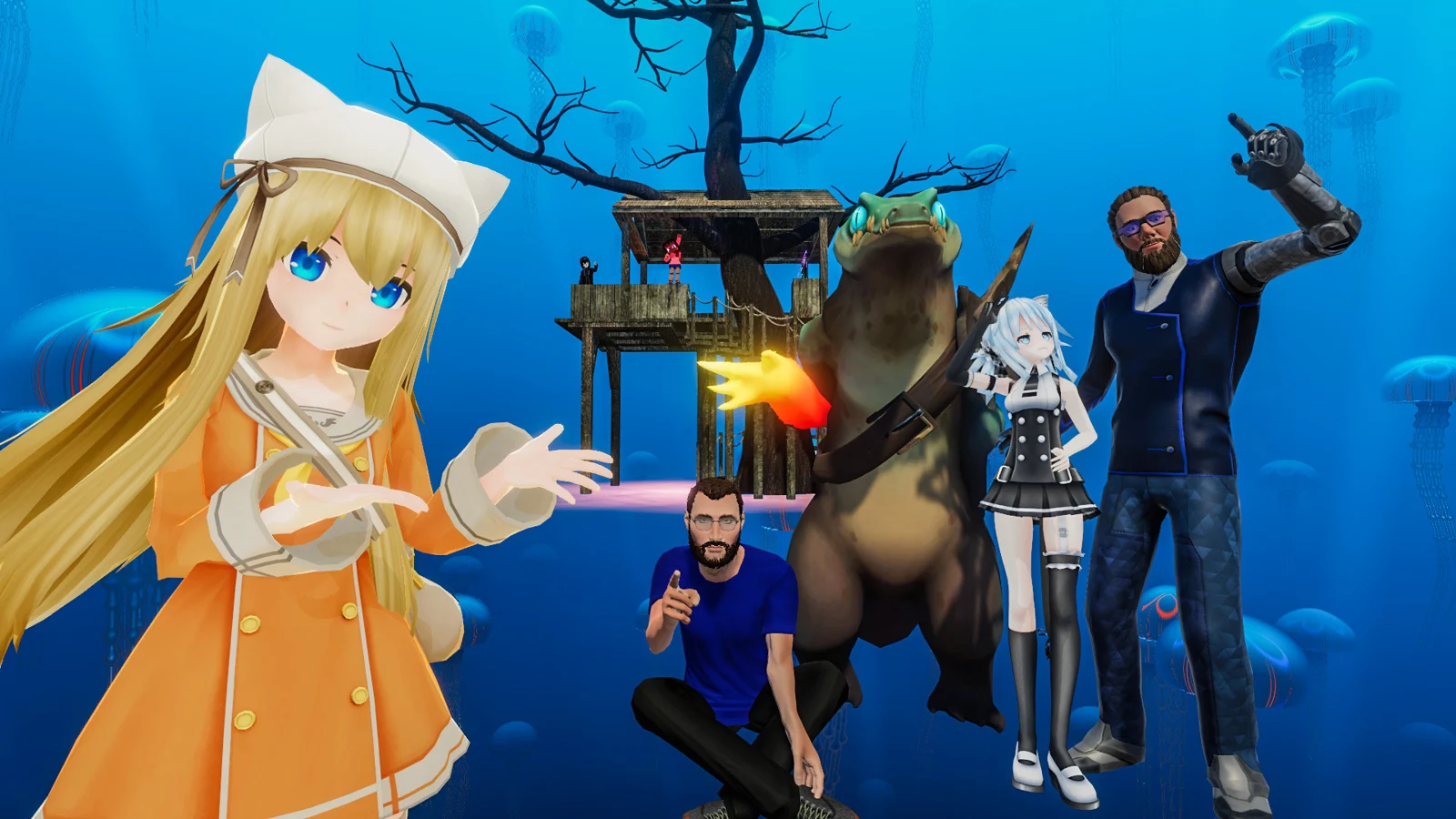
FOLLOW YOUR CURIOSITY
One place to start.
A whole lot of places to end up.
EXPLORE
From quiet hideaways to impossible landscapes, discover worlds built by the people who spend time in them.
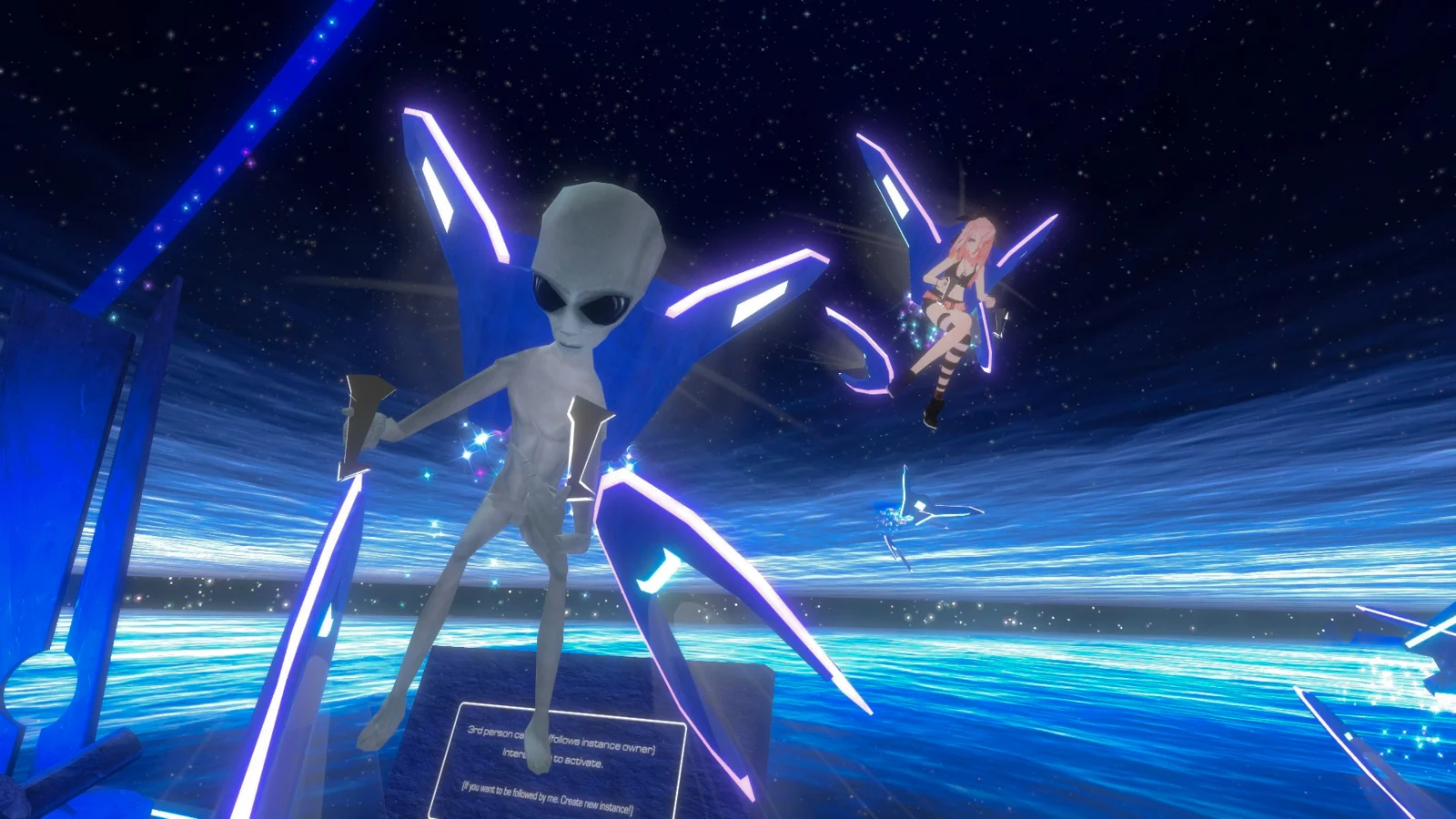
PLAY
Try a puzzle, race your friends, or stumble into your next favorite party game. There’s more to do than just talk.
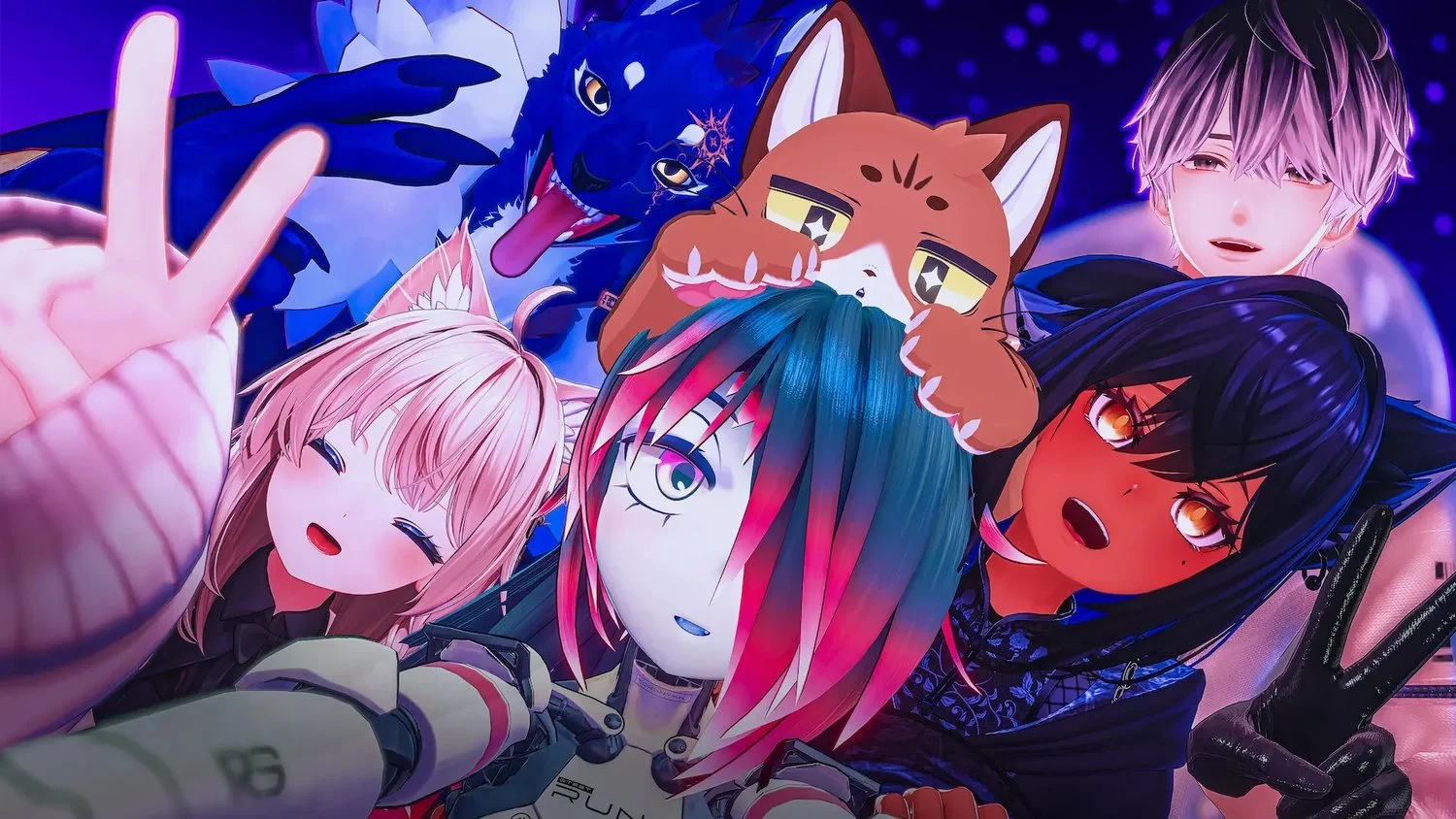
EXPRESS YOURSELF
Find an avatar that feels like you, try something completely different, or create your own with VRChat’s creator tools.
THE BEST PART? THE PEOPLE.
A late-night conversation. A shared interest. A world you keep coming back to. Meet people, find a Group, and make a little corner of VRChat your own.
Find your first helloYOUR NEXT ADVENTURE IS FREE
Download VRChat, pick an avatar, and see where the evening takes you.
Free to play. A VR headset is optional.
Windows · Desktop & PC VR
Opens the official VRChat page on Steam.
Yes. VRChat is free to play. Download it from an official store page to get started.
No. You can play on a Windows PC in desktop mode using a keyboard and mouse. A compatible VR headset lets you experience it in VR.
Explore community-built worlds, meet people, join Groups, and play games. You can also express yourself through avatars or build worlds and avatars of your own.
Yes. VRChat provides creator tools built around Unity. Visit the official creator documentation to learn how to get started.